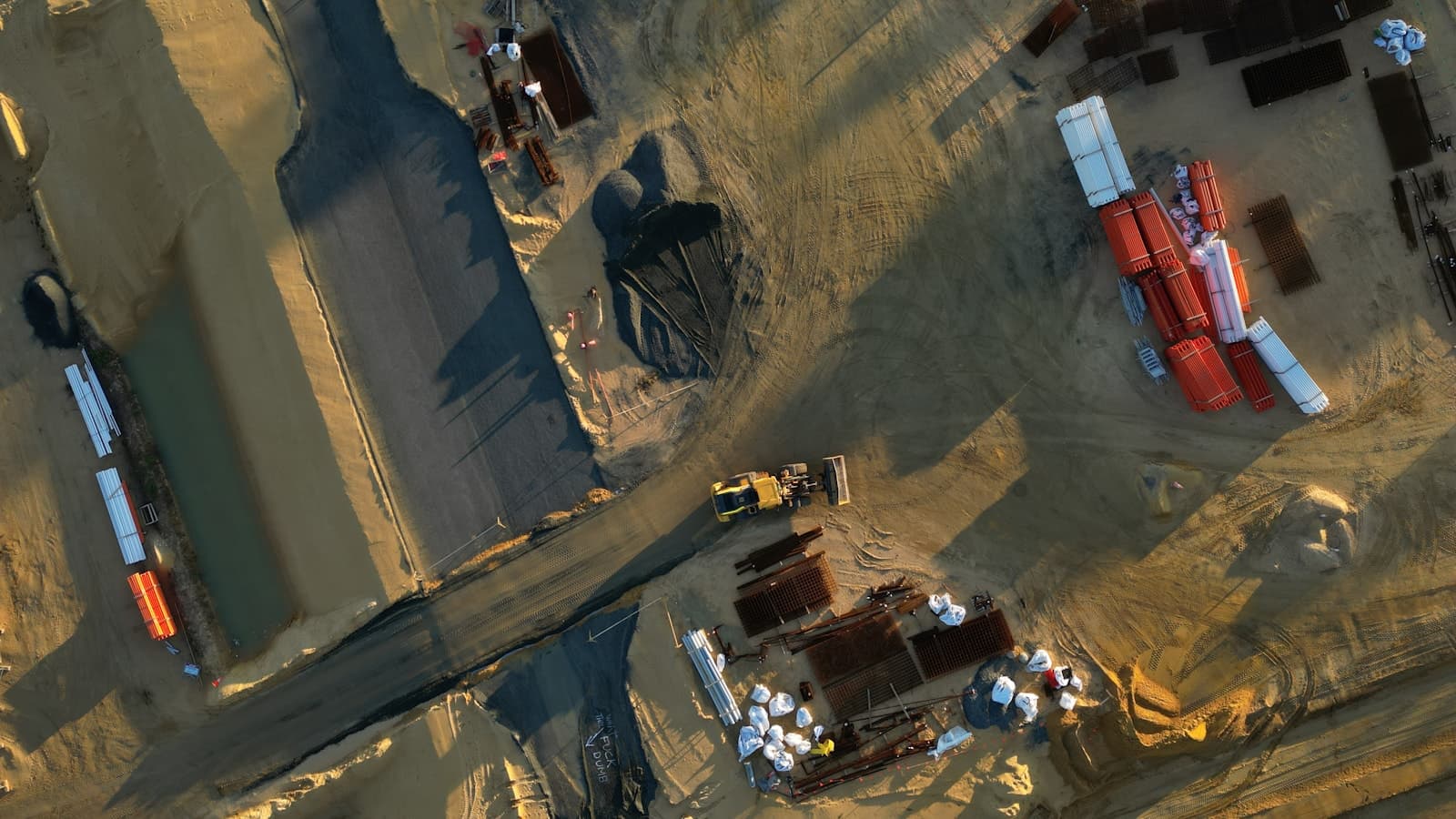
Construction teams should treat a mixed BIM, drone, and reality-capture handoff as a controlled release, not as one oversized folder. Inventory the package, separate working collaboration from issued delivery, name the version and coordinate system, choose a route that fits both endpoints, and require the recipient to verify and open representative files before the release is accepted.
Separate collaboration from delivery
A live Autodesk Construction Cloud project, shared model, or common data environment supports ongoing coordination. An external delivery is different: it freezes a defined set for a trade, owner, consultant, or meeting. Copying a working tree without declaring that boundary can expose stale models, omit linked files, and leave recipients unsure which set governs.
Create one immutable release root with an issue date and version. Label it as work in progress, coordination, bid, record, or issued-for-construction according to the contract. Do not infer contractual status from a filename alone.
Mixed construction packages may include:
- RVT, IFC, NWD/NWC, DWG, BCF, clash reports, and model-viewer files;
- drone source photographs, flight records, ground-control notes, orthomosaics, and elevation products;
- terrestrial or mobile scan data, registered point clouds, meshes, and scan-to-BIM outputs;
- reports, coordinate-reference information, manifests, and a README.
The FAA's CY 2024 U.S. Small UAS Survey documents real estate and construction as a common activity among surveyed Core Part 107 operators. Its respondent count does not establish market share, adoption by construction firms, or the size of any project package. Use it only as evidence that drone capture is a real construction workflow.
Capture settings also change the payload before packaging begins. USGS's public 3DEP table defines aggregate nominal pulse density of 8 pulses/m² for QL1 and 2 pulses/m² for QL2: four times as many pulses over the same area. Those public-program quality levels illustrate a density multiplier; they are not requirements for every building scan or commercial deliverable.
Build packages around recipients
The architect, steel trade, owner, and survey consultant may need different subsets and applications. Confirm each recipient's software and version, accepted exchange format, units, coordinate reference system, horizontal and vertical datum, model origin, linked-file expectations, and whether source capture data is contractually required.
Keep relative paths stable. Include a manifest with each file's path, decimal byte size, version, and integrity value. Record exclusions so “complete” has a testable meaning. For point clouds, say whether files are source, registered, classified, tiled, or decimated. For imagery, distinguish source photographs from orthomosaics and reports. For BIM, identify native models, linked models, exports, and coordination outputs.
Revit 2022 eTransmit documents a dependency graph that can include linked Revit and IFC models, nested model links, CAD links, DWF markups, decal images, and an external keynote file. It also says XRefs attached to linked CAD files are not transmitted. Treat those as version-specific Autodesk rules: test the output for the installed release rather than assuming every dependency traveled.
A ReCap .RCP is not the point data by itself. Autodesk University field guidance says the RCP and its support folder containing the underlying RCS data must travel together. The same handout reports one facility area—about 10% of that project—where scope segmentation reduced point-cloud files from 45 GB to 7 GB. That is one documented case, not a typical reduction or a promise; it shows why the contracted scope and fidelity should be decided before transfer.
Autodesk's ACC/BIM 360 support page, as accessed August 2026, lists a 5 TB maximum per file, 10,000 items per folder, 10,000 versions per file, and cancellation when an upload does not complete within 24 hours. These product-specific limits can change and do not define a universal BIM-package ceiling. A storage entitlement, per-file limit, item count, browser behavior, and full-package size are separate constraints.
Model the complete route
Measure the release rather than estimating from the largest model. Then test the sender's source read, upload, recipient download, and destination write. The slowest constrained leg governs the useful handoff.
For example, a 1.5 decimal TB release on a measured 200 Mbps upload takes about 18 h 40 m for the upload under the site's current model. Add a 100 Mbps recipient download and the two network legs total about 56 h. The model adds a 12% planning allowance; it is not observed throughput or a delivery promise. Verification, unpacking, and application ingest take additional time.
Use the transfer-time calculator with the measured package and both endpoint rates. Compare online delivery with the full copy, courier, copy-off, and verification path in the shipping-versus-transfer calculator.
Choose among four patterns:
- Project-platform access for continuing collaboration when every participant can use the governed environment.
- Discrete online transfer for frozen external releases that need recipient-specific access and visible completion.
- Physical media when connectivity or the calendar makes online delivery impractical. Count copy, courier, copy-off, and verification time.
- Hybrid delivery when urgent models and reports can go online first while source imagery or scans follow separately.
Microsoft currently positions Azure Data Box for limited-connectivity datasets above 40 TB and lists 120 TB and 525 TB usable devices as of August 2026. That is product guidance subject to region and availability, not a universal crossover point.
Control version, access, and acceptance
Grant access to identified recipients for a useful but finite window. Keep owner, trade, and consultant subsets separate when their permissions differ. Before sending, tell recipients what is included, which release it is, how they will access it, and who owns exceptions.
Upload completion is not acceptance. Require a recipient to compare file counts and byte sizes with the manifest, verify integrity values, and open representative BIM, point-cloud, and imagery outputs in the intended tools. Record the accepted version and time. Keep the authoritative source until that confirmation arrives.
The BIM/VDC package delivery checklist turns these controls into a pre-meeting routine. Use the broader construction file-transfer page to map stakeholder and delivery requirements.
Where TeraAirlift fits
TeraAirlift fits the discrete online-delivery leg. It is a Windows-first desktop operations console with file and folder queues, progress and ETA, cancellation, retry-friendly operations, history, diagnostics, recipient-controlled delivery, short-lived storage access, and SHA-256 verification. Those controls make package state visible; they do not replace ACC, a common data environment, contractual document control, or an archive, and they do not guarantee throughput or delivery time.